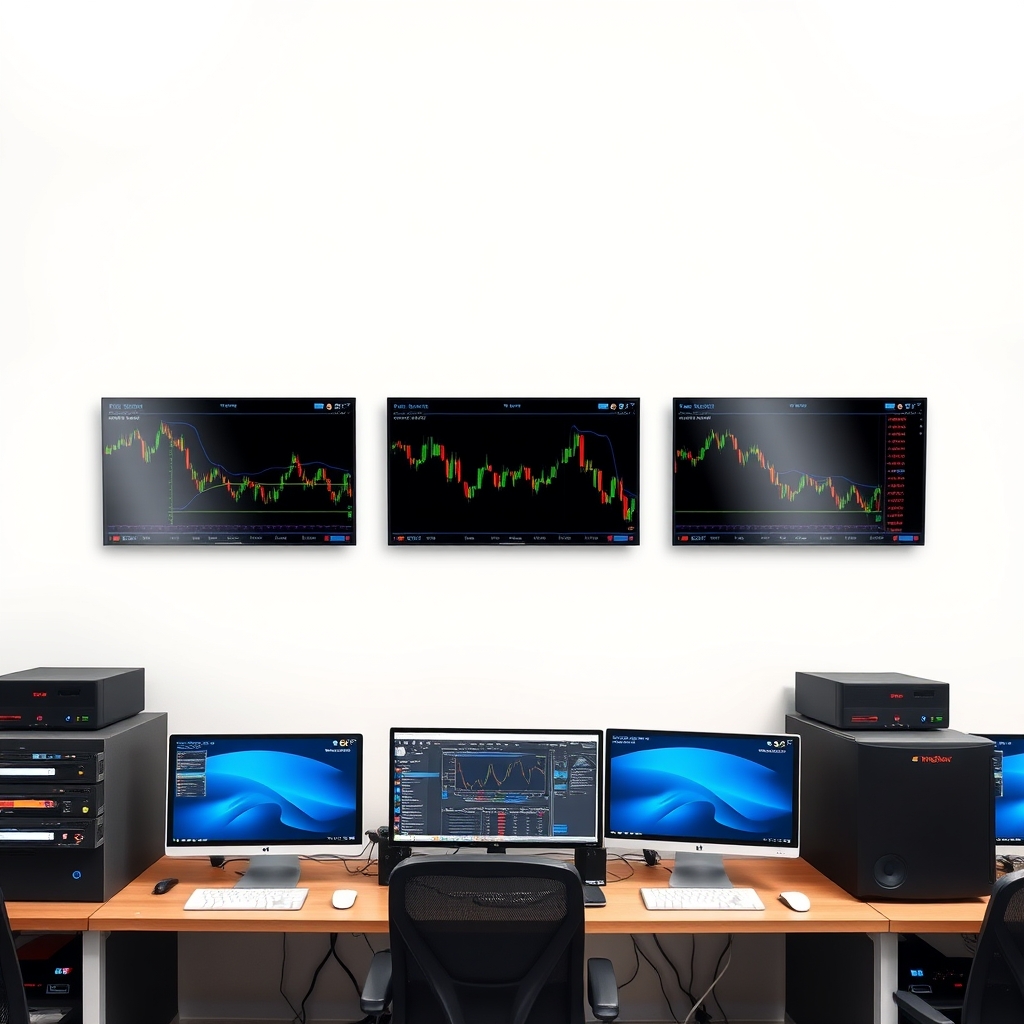
A VPS (virtual private server) is a remote Windows computer that stays on around the clock. You install MT4 on it, log in, and leave it running. For signal traders, the main benefit is that your platform, indicators, and any automation keep running when your laptop is shut or your home internet drops. It won't make a signal more accurate or a strategy profitable, and it adds a cost. This guide covers the main hosting options, their tradeoffs, and how to choose without overpaying.
Do you actually need a VPS?
Probably yes if you:
- Run Expert Advisors or scripts that must operate continuously.
- Use indicators that send alerts or place trades automatically, and can't watch the screen all day.
- Have unreliable home power or internet.
Probably not if you place signal trades by hand a few times a week from a stable connection. In that case, mobile alerts and a well-configured desktop may be enough. See How to Set Up Forex Signal Alerts on MT4, Mobile and Desktop before paying for hosting you may not use.
Hosting options compared
Rather than rank specific companies, whose plans and terms change often, here is how the main categories compare. Confirm current details on each provider's official site.
| Option | Best for | Strengths | Tradeoffs |
|---|---|---|---|
| Broker-provided VPS | Active traders with an existing broker account | Often located near the broker's trading servers; setup is usually simple | May come with conditions (such as balance or trading activity); ties you to one broker; terms can change |
| Dedicated forex VPS provider | Traders who want MT4-focused hosting and support | Often pre-configured for MT4; support staff familiar with trading setups | Usually costs more than generic hosting; quality varies, so check reviews and terms |
| General cloud/Windows VPS | Comfortable, technical users | Flexible and scalable; you choose the location | You handle setup, security, and updates; support won't know MT4 |
| Home PC left running | Light or occasional use | No hosting fee | Exposed to power cuts, internet drops, and Windows updates restarting the machine |
What to look for
Latency to your broker's server
Distance matters more than raw specs. A VPS physically close to your broker's trading server generally means faster order transmission. Ask your broker where its servers sit, then test the ping from the VPS. This matters most for fast-moving, short-term signals. For swing-style signals held for days, a few milliseconds are unlikely to matter. Even a fast VPS can't remove slippage, spread widening, or requotes, which are largely broker and market conditions.
Windows version and resources
MT4 is a lightweight program. Each extra chart, indicator, and EA adds load, so match resources to your actual workload, not the biggest plan on offer. Start modestly and upgrade only if the terminal lags. Check whether the plan includes a Windows licence or whether that costs extra.
Uptime and support terms
Read what the provider says about uptime, but treat any percentage as a marketing claim until you've tested it. Look for clear refund or cancellation terms, so you can leave if performance disappoints. Check the official site for current policies.
Security
A VPS holding a live trading account is a target. At minimum:
- Use a long, unique administrator password.
- Enable two-factor authentication on your hosting account if offered.
- Keep Windows updated, scheduling restarts for quiet market hours.
- Use your broker's investor (read-only) password for any monitoring.
 Recommended for youBest Forex Brokers for Signal Trading: Spreads, Execution and MT4 Support Compared
Setting up MT4 on a VPS: practical steps
- Connect using Remote Desktop (Windows) or your provider's client.
- Install MT4 from your broker's official download page, not a third-party copy.
- Log in to your account. Consider a demo account first to confirm connection stability.
- Add your indicators and templates. If something doesn't appear, our guide on why an MT4 indicator isn't showing on the chart covers the usual causes, and installing signal indicators on MetaTrader 4 walks through the process.
- Enable algo trading only if you use automation, and test its behaviour on demo first.
- Close the Remote Desktop window by disconnecting, not by logging out or shutting down, so MT4 keeps running.
- Check in regularly. A VPS removes some failure points, not all of them. Confirm the terminal still shows a live connection.
If you're still learning the platform, the Setting Up and Using Signals on MT4 and Trading Platforms hub is a good starting point.
Honest limitations
- A VPS doesn't improve signal quality. A poor signal run on a fast server is still a poor signal.
- Automation amplifies mistakes. A badly configured EA can open losing trades around the clock. Use small size and demo testing first.
- Errors still happen. Entering a signal's levels incorrectly can trigger problems like MT4's "invalid stops" error, whatever your hosting.
- Mobile has limits. If you were hoping to skip the VPS and use your phone, note that custom indicators don't run on MT4 mobile, which is one reason people move to a VPS.
- Leveraged trading carries real risk of loss. Hosting cost is an ongoing expense that your trading has to cover. Only trade money you can afford to lose, and consider speaking with a licensed financial professional if you're unsure about your situation.
A simple way to decide
- Check whether your broker offers a VPS and what conditions apply. See our broker comparison for signal trading for MT4 support and execution factors.
- If not, shortlist two or three dedicated or general providers with servers near your broker's.
- Start with a short billing period if available, test stability on a demo account, and only then run live signals.
- Reassess after a month: are you using it, and is it paying for itself in convenience and reliability?
If you're also weighing whether MT4 is the right platform, read MT4 vs MT5 vs cTrader vs TradingView. For how the broker, VPS, and platform pieces fit together, see Recommended Signal Trading Setup: Broker, VPS and Platform Stack.
Keep reading
 MT4 vs MT5 vs cTrader vs TradingView: Which Platform Is Best for Trading Signals?Short answer: there is no single best platform. For most signal traders, the best platform is the o…
 How to Install and Set Up Signal Indicators on MetaTrader 4A signal indicator on MetaTrader 4 (MT4) is a small program that draws arrows, lines or alerts on y…
 How to Set Up Forex Signal Alerts on MT4, Mobile and DesktopA signal is only useful if you see it in time and can act on it calmly. Most "missed" signals come…