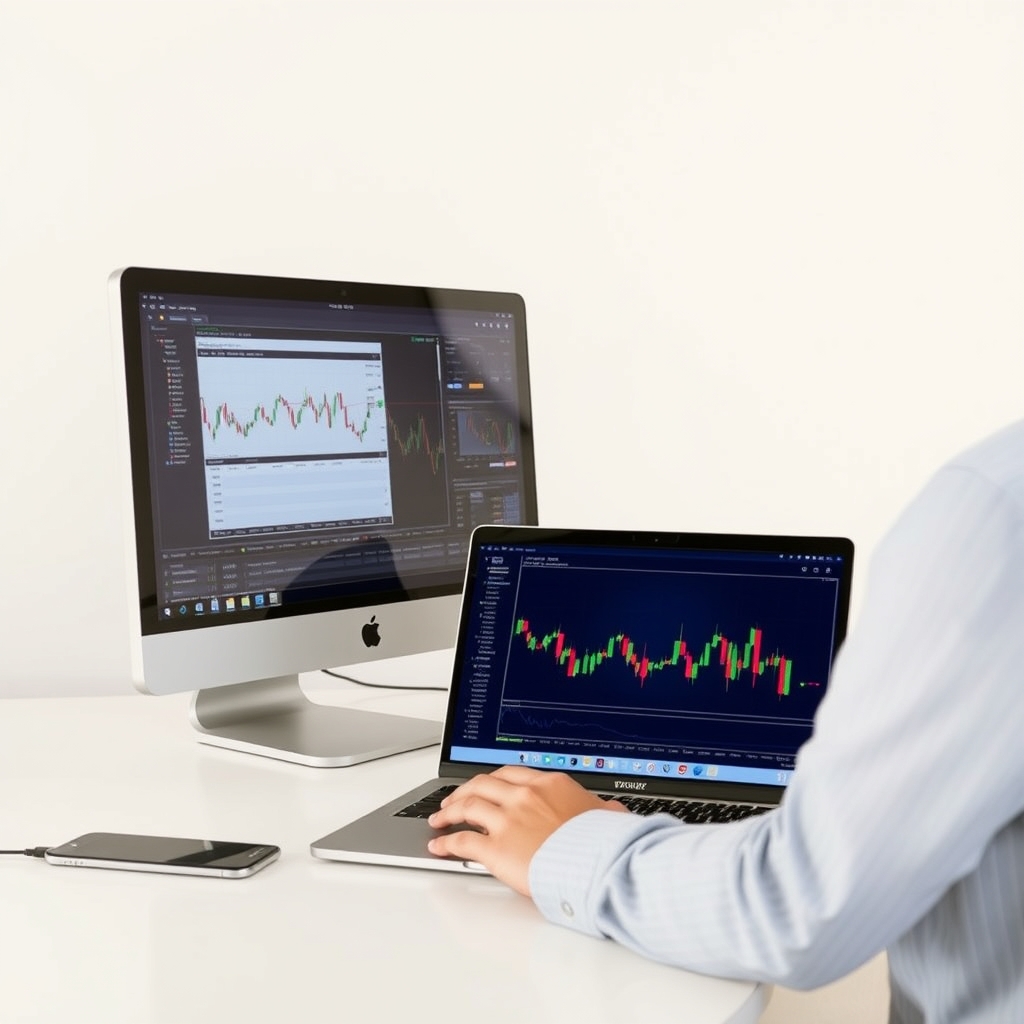
A signal is only as good as the way it reaches the market. The same entry, stop and target can produce noticeably different results depending on your broker's execution, your platform's reliability and whether your machine is online when the alert fires. This guide covers the three layers of a practical setup, what each costs you in tradeoffs, and how to build it without overspending. Nothing here guarantees results; signals carry real risk of loss, and you should only trade money you can afford to lose.
The Three-Layer Stack
Think of your setup as three layers, each with its own failure modes:
- Broker: where orders are filled. It determines spreads, slippage, stop-level rules and platform support.
- Platform: where you see signals, set alerts and place or manage trades.
- VPS (optional): a remote computer that keeps your platform running around the clock.
Most signal problems come from a mismatch between layers, such as a signal built on tight spreads being traded on a wide-spread account. Start with the broker, because it affects everything else.
Layer 1: Choosing a Broker
What matters for signal trading
- Regulation: Check which regulator oversees the entity that will hold your account, and verify it on the regulator's own register. Protections differ by region and entity.
- Spreads and commissions: Short-term signals with small targets are hit hardest by costs. Compare the all-in cost (spread plus commission), not the headline spread.
- Execution quality: Slippage and requotes during news can change the risk-to-reward of a signal. Test on a small live account, since demo fills are often cleaner than live ones.
- Stop-level rules: Minimum distances for stops can reject signal levels. If you see errors, read why MT4 says 'invalid stops'.
- Platform support: Confirm the broker offers the platform you plan to use, and whether it allows custom indicators and automated tools.
For a side-by-side look, see Best Forex Brokers for Signal Trading: Spreads, Execution and MT4 Support Compared. Always confirm current conditions on the broker's official site, because spreads and account terms change.
The honest tradeoff
The cheapest account on paper is not always the best. Low spreads with poor fills can cost more than slightly higher spreads with reliable execution. Start small, record your actual fills against the signal's entry price for a few weeks, and judge from your own data. The common pitfalls are covered in Forex Signal Execution Mistakes.
Layer 2: Choosing a Platform
| Platform | Typically suits | Watch out for |
|---|---|---|
| MT4 | Custom indicators, wide broker support, many signal tools built for it | Older design; limited on mobile |
| MT5 | More timeframes and built-in tools | Indicators written for MT4 are not directly compatible |
| cTrader | Clean interface, detailed order handling | Fewer brokers; different tool ecosystem |
| TradingView | Charting and browser-based alerts | Execution depends on broker connection options |
Availability varies by broker and by the signal provider's formats, so check what your signal service supports. The full breakdown is in MT4 vs MT5 vs cTrader vs TradingView.
If you choose MT4
- Install the platform from your broker, not a third-party download.
- Add indicators following How to Install and Set Up Signal Indicators on MetaTrader 4. If nothing appears, check why your indicator is not showing.
- Configure notifications using How to Set Up Forex Signal Alerts on MT4, Mobile and Desktop.
- Remember that mobile has limits; see whether custom indicators work on MT4 mobile.
The wider walkthrough library is at Setting Up and Using Signals on MT4 and Trading Platforms.
 Recommended for youBest Forex Brokers for Signal Trading: Spreads, Execution and MT4 Support Compared
Layer 3: Do You Need a VPS?
A VPS is a rented remote computer that runs your platform continuously. It is useful in some cases and unnecessary in others.
You probably want one if
- You run indicators, alerts or expert advisors that must operate 24 hours a day.
- Your home internet or power is unreliable.
- You want a stable connection that is closer to your broker's servers.
You can probably skip it if
- You trade manually during hours when you are at your screen.
- You are still on a demo or very small account, where the monthly fee may outweigh any benefit.
VPS costs and specifications vary, so check current plans with each host. Our review is at Best Forex VPS for MT4: Hosting Options Reviewed for Signal Traders. Be wary of any host or broker promising that a VPS will improve your profitability. It improves uptime, and possibly latency, nothing more.
A Sensible Build Order
- Demo first. Learn the signal format and platform on a demo account.
- Open a small live account with a regulated broker and keep risk per trade small.
- Log your fills against signal prices for several weeks.
- Add alerts so you do not rely on watching charts.
- Add a VPS only if uptime is actually costing you trades.
- Review monthly: compare costs, slippage and missed trades, and change one variable at a time.
Risks to Keep in View
- Leverage magnifies losses as well as gains, and many retail traders lose money trading forex.
- No setup removes slippage, spread widening or gaps around news and rollover.
- Past signal performance does not predict future results.
- Consider speaking to a licensed financial adviser if you are unsure whether leveraged trading suits your situation.
A good stack is mostly invisible: orders fill close to expectations, alerts arrive, and the platform stays up. Build it step by step, measure it with your own numbers, and keep it as simple as your trading allows.
Keep reading
 MT4 vs MT5 vs cTrader vs TradingView: Which Platform Is Best for Trading Signals?Short answer: there is no single best platform. For most signal traders, the best platform is the o…
 Best Forex VPS for MT4: Hosting Options Reviewed for Signal TradersA VPS (virtual private server) is a remote Windows computer that stays on around the clock. You ins…
 How to Install and Set Up Signal Indicators on MetaTrader 4A signal indicator on MetaTrader 4 (MT4) is a small program that draws arrows, lines or alerts on y…