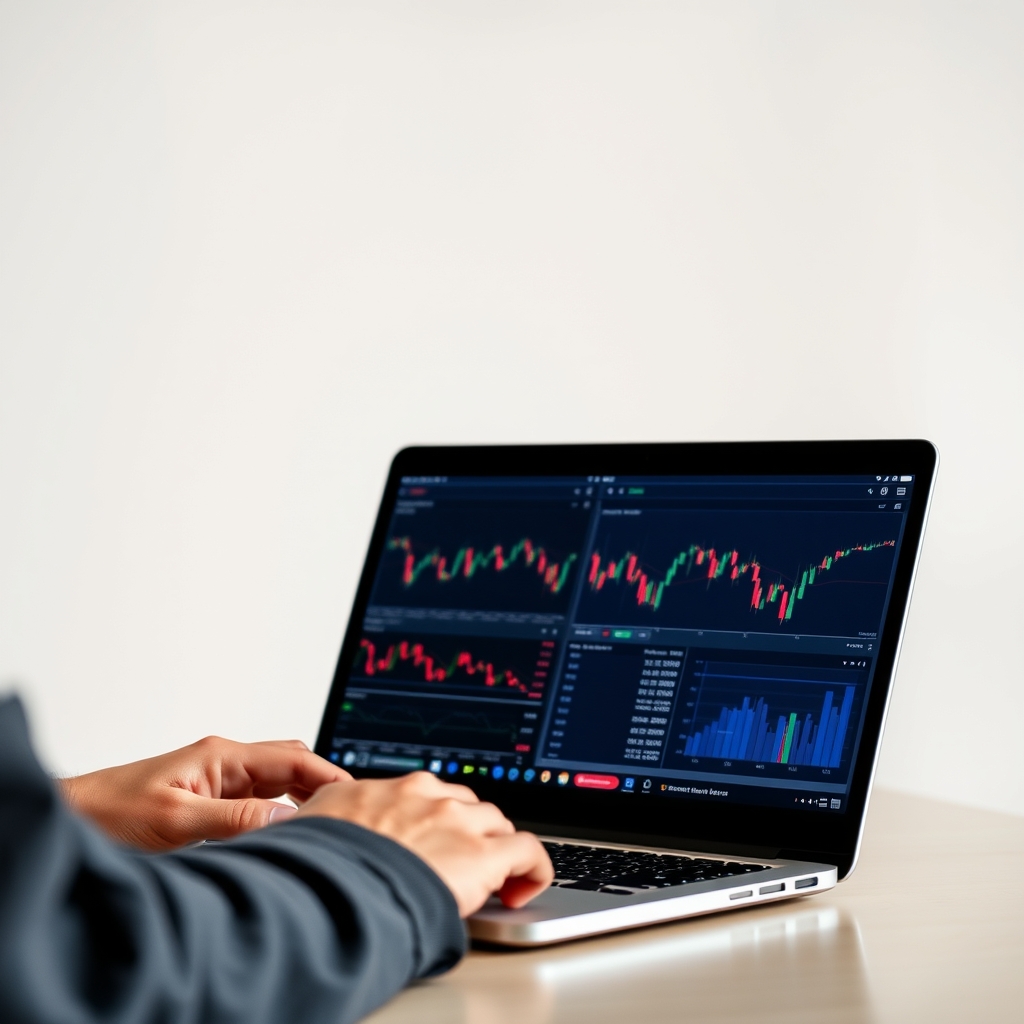
Short answer: there is no single best platform. For most signal traders, the best platform is the one your broker supports, your signal format works on, and you can use without making execution errors. MT4 is still the most common fit for indicator-based signals. MT5, cTrader and TradingView each win in specific situations. None of them improves a signal's quality, and none makes a losing strategy profitable.
What "best for signals" actually means
Before comparing platforms, decide what you need from one:
- Signal format: Are you receiving alerts to place manually, indicator files to load on a chart, or an automated feed to an expert advisor (EA)? Indicators and EAs are built for a specific platform and usually will not move between them.
- Broker availability: A platform is only useful if a regulated broker you trust offers it.
- Execution control: How easily can you set stops, targets and position size accurately?
- Alerts and mobile: Can you be notified, and act, when you are away from your desk?
- Uptime: Automation needs the platform running continuously.
Quick comparison
| Platform | Best for | Strengths for signal use | Tradeoffs |
|---|---|---|---|
| MT4 | Indicator-based signals, EAs, widest broker choice | Large library of indicators and EAs; many signal providers build for it; familiar to most brokers | Older platform; fewer built-in tools; mobile app has limits on custom indicators |
| MT5 | Traders wanting more built-in tools and timeframes | Newer MetaTrader architecture; more analysis features than MT4 | MT4 indicators and EAs generally are not compatible without being rewritten; fewer signal tools exist for it |
| cTrader | Traders who prioritise a modern interface and order-handling tools | Clean interface; its own automation framework | Smaller broker selection; smaller ecosystem of third-party signal tools |
| TradingView | Charting, idea generation and alerts | Browser-based charts; flexible alerting; scripting for custom indicators | It is a charting service first; trading depends on supported brokers; features vary by plan |
Features and plan limits change. Confirm current details on each platform's official site and your broker's site before deciding.
Platform by platform
MT4: the default for a reason
Most signal tools in the retail Forex world, including indicators and EAs, were written for MT4. If your signals arrive as chart indicators, MT4 is usually the lowest-friction choice. The limits are real, though. The interface is dated, and mobile support for custom tools is restricted (see can you use custom indicators on MT4 mobile?). Many first-time problems are setup issues rather than platform faults. Our guides on installing signal indicators on MT4 and why an indicator may not show on the chart cover the most common ones.
MT5: more capable, less compatible
MT5 offers more built-in analysis tools than MT4. The catch for signal traders is compatibility: files written for MT4 generally will not run on MT5. If your signal provider only supports MT4, MT5 is a non-starter. If you build or commission your own tools, or you want MT5's extra features, it can make sense. Check with your broker how its MT5 accounts handle positions and orders, since account types can differ.
cTrader: a strong option if your broker offers it
cTrader is often praised for its interface and order-management tools. The tradeoff is ecosystem size. Fewer brokers offer it, and fewer signal tools are built for it. If your signal source can be traded manually from alerts, cTrader can work well. If you depend on MT4-specific indicators, it will not.
TradingView: great for analysis, different job
TradingView is excellent for checking a signal against the bigger picture: higher-timeframe structure, key levels, and so on. Its alerts are flexible. But it is mainly a charting and analysis service. Whether you can place trades from it depends on your broker's integration, and alert features depend on your plan. Many traders use it alongside a trading platform rather than instead of one.
 Recommended for youBest Forex Brokers for Signal Trading: Spreads, Execution and MT4 Support Compared
Which should you choose?
- New to signals, using indicators: start with MT4 on a demo account.
- Taking signals manually from alerts: any platform works. Pick based on the broker, costs and comfort.
- Running EAs or automation: match the platform to the EA's format, and plan for hosting. See our VPS options for MT4.
- Heavy chart analysis: add TradingView as a companion.
How to test before committing
- Confirm compatibility. Check which platform your signal format supports.
- Shortlist brokers that offer it. Compare regulation, spreads, execution and platform support in our broker comparison for signal trading.
- Open a demo account. Load the signal tools and run them for a couple of weeks.
- Test your alerts. Make sure notifications reach you on every device you rely on. See setting up signal alerts on MT4, mobile and desktop.
- Practise order entry. Errors such as "invalid stops" are easier to learn on demo than with real money.
- Compare demo and live fills. Live spreads and slippage differ from demo conditions. Read our guide to slippage, spreads and requotes first.
- Start small live. Use position sizes where a mistake will not hurt.
Honest caveats
Platform choice affects convenience and execution. It does not change the odds of a trade working. Forex and leveraged products carry a high risk of loss, and many retail accounts lose money. Never risk money you cannot afford to lose, and treat any signal, including ours, as information rather than a promise. If you are unsure whether leveraged trading suits your finances, consider speaking with a licensed financial professional.
Next steps
For a step-by-step walkthrough, start with setting up and using signals on MT4 and other trading platforms. When you are ready to put the pieces together, our recommended broker, VPS and platform stack shows how they fit. Always confirm current features, fees and account terms on the official websites before you commit.
Keep reading
 Best Forex VPS for MT4: Hosting Options Reviewed for Signal TradersA VPS (virtual private server) is a remote Windows computer that stays on around the clock. You ins…
 How to Install and Set Up Signal Indicators on MetaTrader 4A signal indicator on MetaTrader 4 (MT4) is a small program that draws arrows, lines or alerts on y…
 How to Set Up Forex Signal Alerts on MT4, Mobile and DesktopA signal is only useful if you see it in time and can act on it calmly. Most "missed" signals come…